BillForge
A downloadable Download App for Android
BillForge – Simple Invoice & Receipt Maker
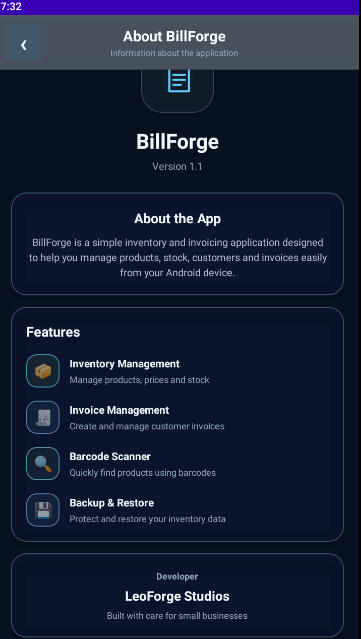
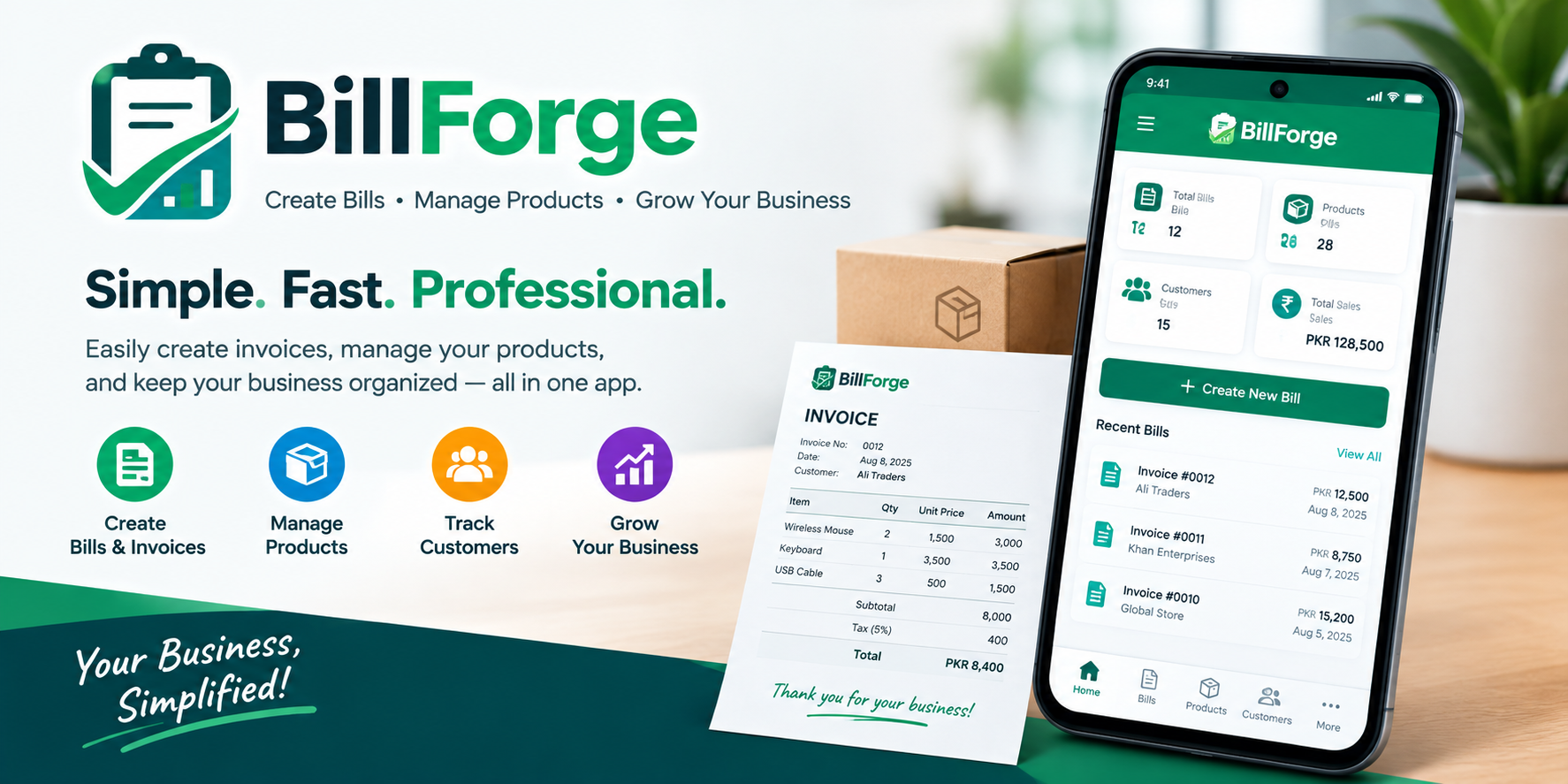
BillForge is a simple, fast, and offline invoice and receipt management app designed for small businesses, shops, freelancers, and personal use.
Create professional invoices in just a few steps, manage your products, keep track of paid and unpaid invoices, and generate receipts that are easy to save and share.
Key Features
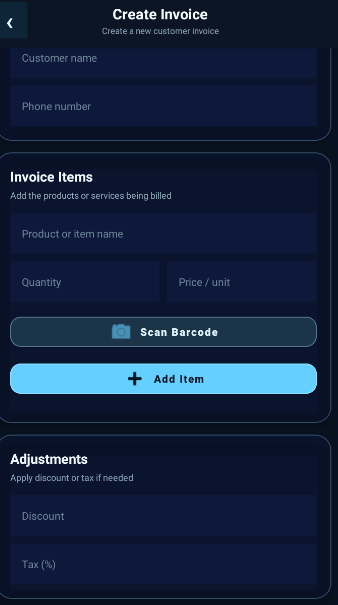
• Create Invoices Create invoices with multiple products, quantities, unit prices, discounts, and taxes.
• Product Management Save your products with their names, prices, and barcode information for faster invoice creation.
• Product Scanning Scan product information and quickly add items to your invoice.
• Automatic Calculations BillForge automatically calculates subtotals, discounts, taxes, and the final total.
• Paid & Unpaid Tracking Keep track of which invoices have been paid and which are still pending.
• Invoice History View your previous invoices and quickly open their details whenever needed.
• Professional Receipts Generate clean receipt-style PDFs suitable for viewing on phones, sharing, and thermal receipt printing.
• Easy PDF Sharing Save your receipt as a PDF and share it using your phone's built-in sharing options.
• Offline First Your invoice and product data is stored locally on your device, allowing you to use BillForge without an internet connection.
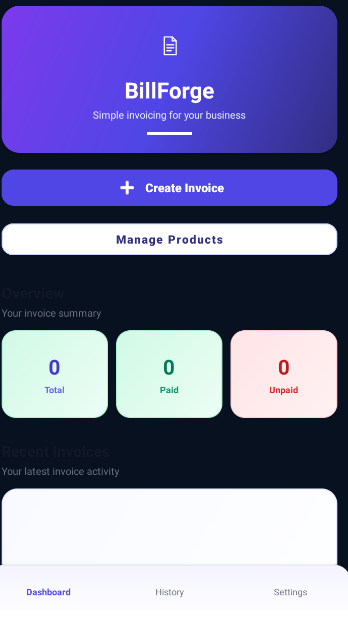
• Simple Dashboard Quickly view your invoice activity, paid invoices, unpaid invoices, and recent invoices from the dashboard.
Designed for Everyday Business
Whether you run a small shop, work as a freelancer, or simply need an easy way to create invoices, BillForge keeps your billing process simple and organized.
No complicated setup. No account required. Just create, manage, and share your invoices.
BillForge – Make Billing Simple.
Download
Install instructions
📥 Download & Install BillForge
Android Installation
1. Download BillForge
Open the Download section on this itch.io page and download the latest BillForge APK to your Android phone.
2. Open the APK
After the download finishes, open your Downloads folder and tap the BillForge .apk file.
3. Allow Installation
If Android shows a message such as "Install unknown apps" or "For your security, your phone currently isn't allowed to install unknown apps", allow your browser or file manager to install apps from this source.
You may find this option under:
Settings → Security / Privacy → Install unknown apps
The exact menu name can vary depending on your Android device.
4. Install BillForge
Return to the APK file and tap Install.
If Android shows a security warning, review it and continue only if you trust the APK source.
5. Launch BillForge
Once installation is complete, tap Open or find BillForge in your app list and launch it.
🔄 Updating BillForge
When a new version is released:
- Download the latest BillForge APK.
- Open the new APK.
- Select Update/Install when prompted.
- Launch BillForge after the update.
Do not uninstall the previous version before updating, because uninstalling an app can remove its locally stored data.
⚠️ Important
BillForge is an Android application distributed as an APK through itch.io. Android may display an installation warning because the app is being installed outside the Google Play Store.
Only download BillForge from the official LEOForgeStudios itch.io page.
Leave a comment
Log in with itch.io to leave a comment.